RequestSongs.co FAQ
Answers for DJs, KJs, karaoke hosts, live entertainers, bars, venues, and anyone using RequestSongs.co to accept song requests, manage a queue, collect tips, display QR codes, upload catalogs, and keep the night moving.

Answers for DJs, KJs, karaoke hosts, live entertainers, bars, venues, and anyone using RequestSongs.co to accept song requests, manage a queue, collect tips, display QR codes, upload catalogs, and keep the night moving.
Basic setup questions for hosts, DJs, KJs, bars, venues, and entertainers.
RequestSongs.co is a web-based song request, karaoke request, tipping, and queue management system for DJs, KJs, karaoke hosts, live entertainers, bars, and venues. Guests use your custom link or QR code to request songs from their phone.
No. Guests do not need to download an app. They scan your QR code or visit your request URL from their phone.
Requestors use your public request link or QR code. You can display the QR code on screens, print it, place it on tables, or share the link in your social media profiles.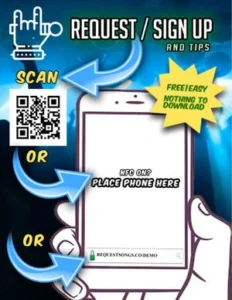
Yes. It works for DJs, KJs, karaoke hosts, live entertainers, bars, restaurants, private events, and venues that want a clean way to collect requests and manage a queue.
You can run as many catalogs as you like; you can even run multiples for those that link to mix things up.
Upload your catalogs or use online catalogs from Spotify, iTunes, or Deezer. Plus, for KJs, you can also add in karaoke-version.com and KaraFun. For live entertainment, the user will be presented with a list rather than a flat search.
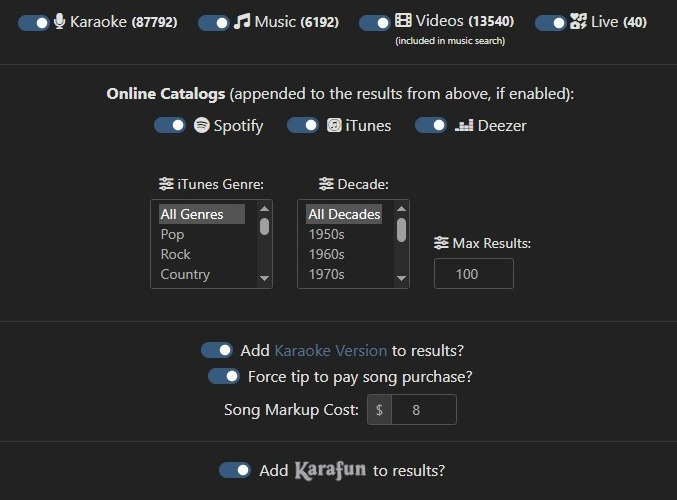
Yes. Live performers can use it as a tip-enabled request list. When the only catalog enabled in the dashboard is for live, the users are presented with a list of your music as a default; you can, however, also use Spotify, iTunes, and Deezer for your audience to choose from. iTunes can even be set to allow only certain genres and decades.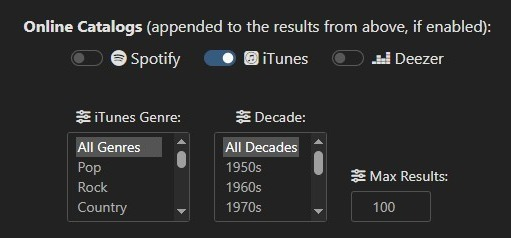
Yes, there is a free account option. Free accounts must keep tipping enabled. Paid accounts can disable tipping if they do not want to accept tips through the platform.
How guests access your page, log in, and submit requests.
Yes. Requestors need to log in so the system can reduce spam, protect the host, track request history, and manage user limits. Most users only need to log in once.
The login has been refined over many years to provide an effortless experience, even for those that may be under the influence. There’s also an option in the dashboard to manually add a requestor.
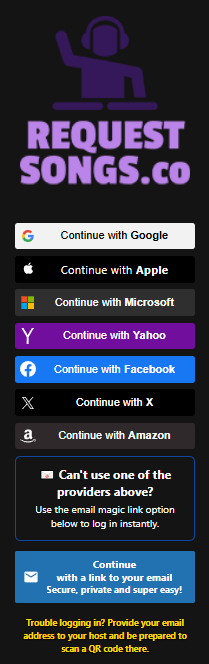
Completely anonymous requests can lead to spam, fake requests, abusive messages, and people flooding the queue. Login keeps the system cleaner while still making the guest experience easy. We have also made the login experience very simple (please see above question). The login system also makes it possible to track the requestor’s history.
Users can log in using available login methods such as social login or email. The goal is to make access simple while still giving the host protection against spam.
The host can manually add the user from the dashboard using an email address. The user can then scan the generated QR code.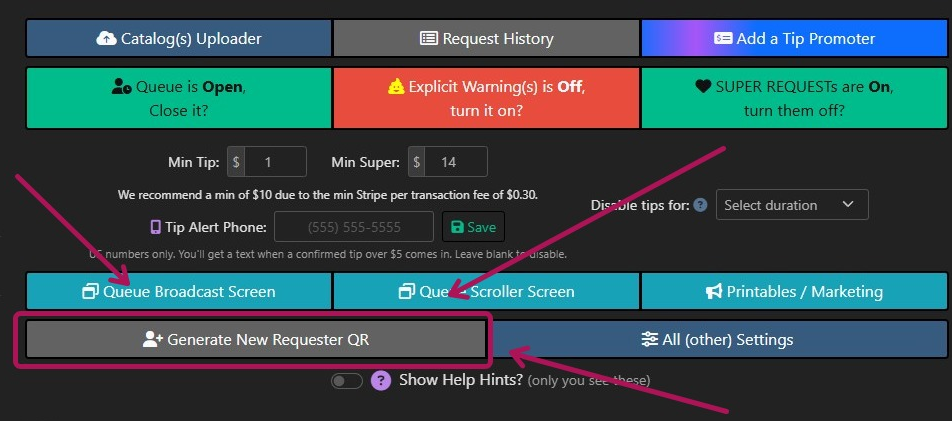
Yes. The dashboard includes a manual add user option. This is useful when a guest has trouble logging in or the host wants to help someone quickly.
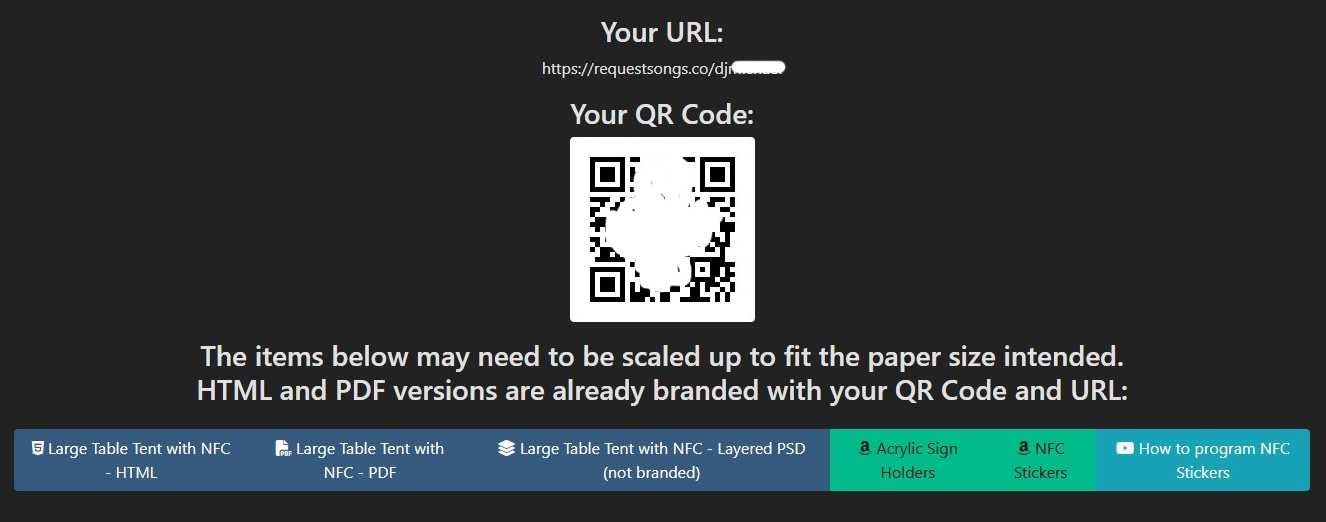
Yes. QR codes are one of the main ways guests access the request page. The QR code can be printed, shown on a screen, placed on tables, or shared digitally. QR codes are permanent to your account/URL. You can use them in all your advertising without worry of it changing.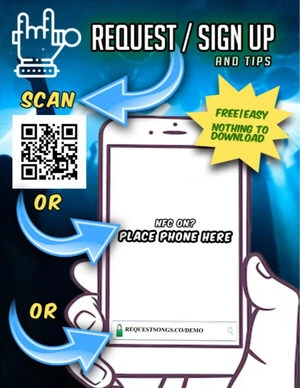
Yes. Guests can use your public request URL directly. Your URL is permanent and is based on your name, for example, RequestSongs.co/DJWhammy.
Yes, depending on your settings. Hosts can control queue limits and how many open requests a user can have. Once the user has hit that limit, they will be gently notified that pending open requests need to be completed before any more requests can be added. The limit can also removed.
How hosts receive tips, set limits, and use Stripe payment features.
Tips are processed through Stripe. Stripe is recognized as the largest and most trusted payment processor available to date.
During signup, hosts are asked to create a free Stripe-connected account so tips can be sent directly to their bank account. The signup process is very easy and typically only takes a few minutes.
Tips are received immediately through the Stripe flow, and the account owner can even decide when to deposit the funds (daily, weekly, or monthly).
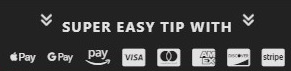
Stripe handles the payment options. Depending on the guest’s device, browser, and Stripe availability, this can include card payments, Apple Pay, Google Pay, Cash App Pay, and other supported Stripe payment methods.
Free accounts must keep tipping enabled. Paid accounts can disable tipping if they do not want to accept tips through RequestSongs.co.
The free plan is designed so hosts can start without paying a monthly fee. Tipping keeps the platform sustainable while giving hosts a way to earn money from requests.
Yes. Hosts can set minimum tip amounts and minimum super request amounts from the dashboard.

A super request is a higher-priority request option. It lets guests pay more to have their request stand out or receive special priority, depending on how the host runs the show. Super tips (and regular tips) are also shown prominently to show their support.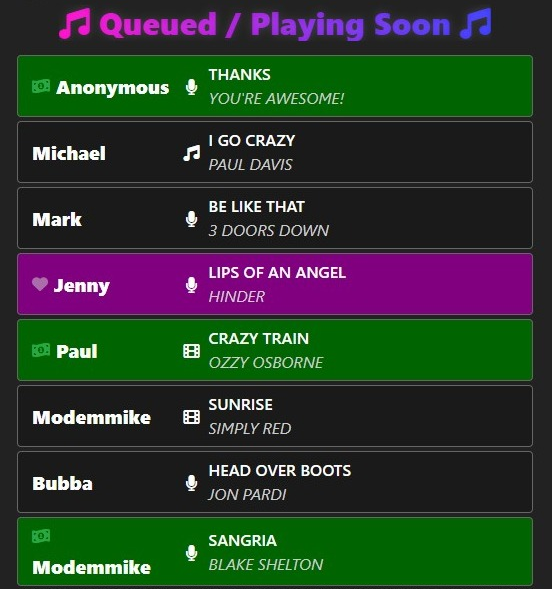
Yes. The dashboard includes a minimum super request setting so hosts can decide what amount makes sense for their event.
The tip promoter is used to encourage tipping and show guests that tipping is available. This is also a great place to enter your cash tips to thank those requestors. It can help increase tips by reminding users that they can support the host or move their request forward.
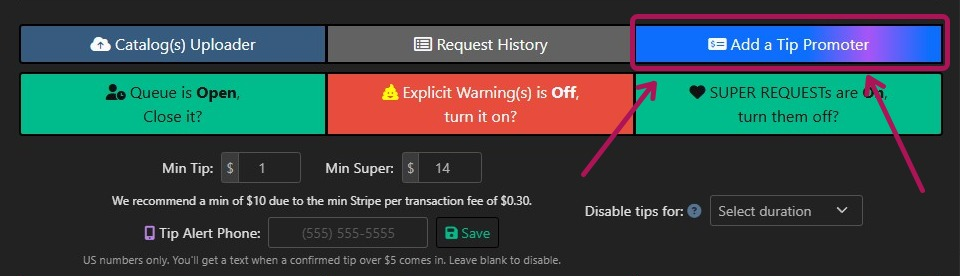
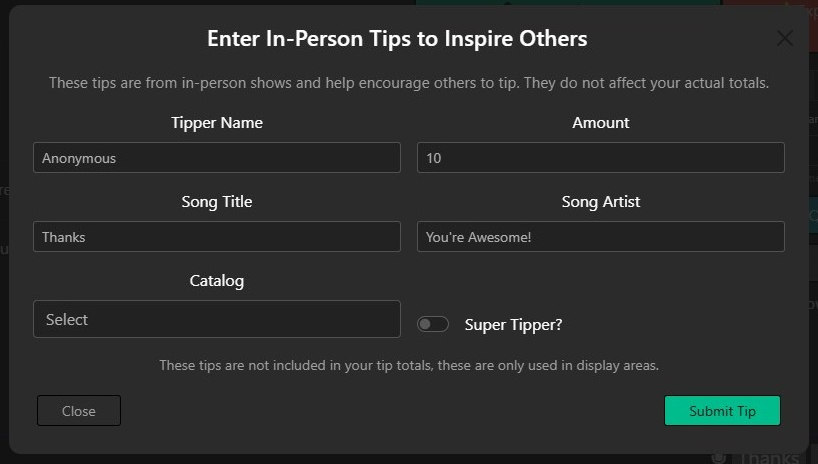
This is where you can add your phone number to receive a text when a tip is received so you are instantly alerted and can react accordingly.
Paid accounts can disable tipping. Free accounts are intended to keep tipping enabled; HOWEVER, it is possible to pay to temporarily disable tipping by blocks of a few hours, days, or a whole month.
Yes. The soft close option can require guests to tip before submitting a request. This is useful when the queue is busy or when the host wants to slow down low-priority requests.


Yes. A soft close mode can require super requests, which means standard requests are paused while higher-priority paid requests remain available.
Yes. Request history can show tip amounts, Stripe fees, application fees, and related payment information when available. There is a quick reference at the top of your dashboard.
How hosts open, close, filter, cancel, complete, and manage requests.
Yes. The queue can be closed from the dashboard. This is useful when the night is ending, the list is full, or you need to stop new requests. You can even schedule the queue to automatically close at a certain time.

Queue Open means guests can submit requests based on your current settings.
Queue Closed means guests cannot submit normal requests until you reopen the queue or change the queue mode.
Soft close lets you restrict requests without fully shutting everything down. For example, you can require a tip to request or allow only super requests.
Require Tip to Request means guests must include a tip before submitting a request. This can help slow down the queue and reduce low-effort requests.
Require Super Request means guests must use the super request option to submit while that mode is active.
Yes. Hosts can remove or cancel requests from the queue when needed.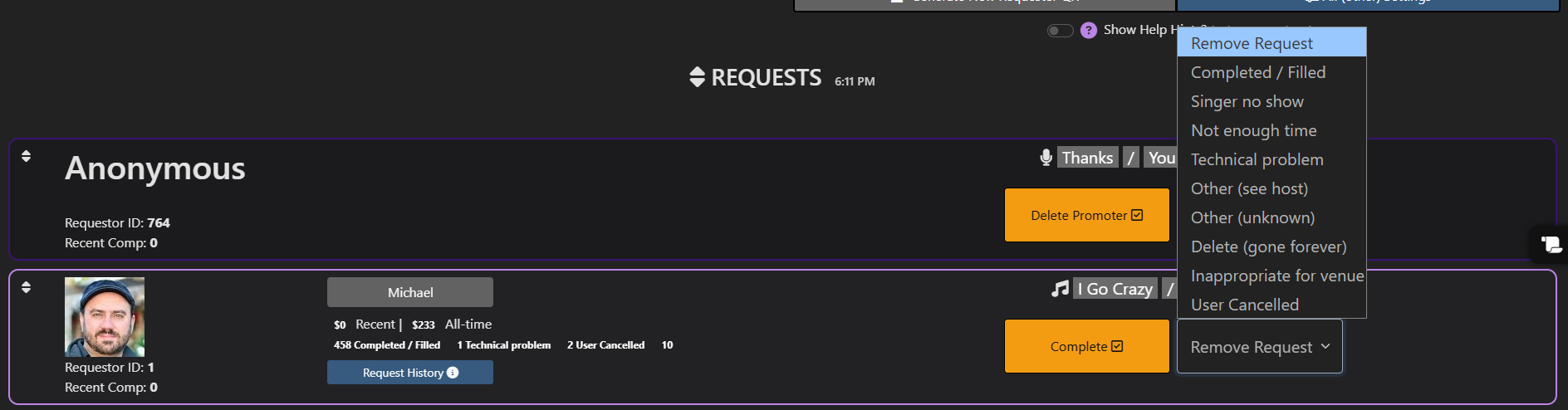
Yes. The host dashboard includes controls to mark requests complete once the song has been played or handled.
Queue order can be managed by the host based on the tools available in the dashboard. This is useful for karaoke rotation, tip priority, and host discretion.
Yes. Hosts can set a queue limit for individuals. This helps prevent one guest from filling the entire queue.
Yes. Hosts can control whether the public queue is visible, depending on how they want to run the show.
Yes. Hosts can control whether tip indicators are shown publicly.
The explicit warning button lets the host show or control warnings related to explicit content. This helps guests understand when a song may contain explicit lyrics or mature content.
Reports, completed requests, user records, and tracking.
Request History shows past requests, completion times, wait times, tips, Stripe details, cancellations, and other useful host reporting information.
Yes. The request history button under a user or request can go directly to that user’s history so the host can quickly see prior activity.

Yes. User history and dashboard stats can help show repeat requestors and past activity.
Yes. Completed requests appear in request history with available timestamps and details.

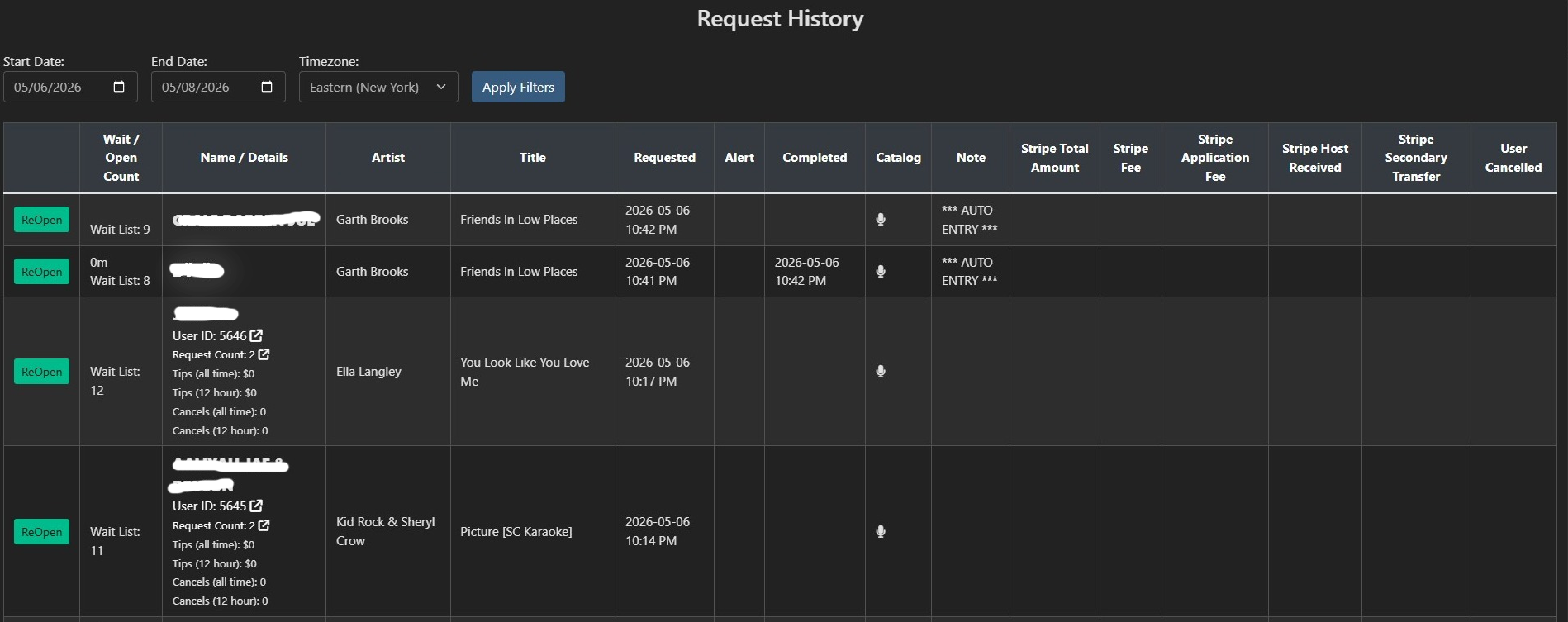
Yes. Request history can include cancellation information so the host can review what happened later.
Yes. Request history can show wait time and completion timing, which helps hosts understand how the night is flowing.
Yes. The history table can show tip totals, Stripe fees, application fees, and received amounts when that data is available.
How hosts upload, search, filter, and manage music and karaoke catalogs.
Use the Catalog Uploader from the host dashboard. It lets you upload supported catalog files so guests can search your available music, karaoke, video, or live performance list.
Yes. RequestSongs.co is designed for karaoke hosts and supports karaoke catalog workflows.
Yes. DJs can upload music catalogs so guests can search available songs instead of typing blind requests.
Yes. Video catalog support is available for hosts who manage music videos or video-based shows.
Yes. RequestSongs.co can include online catalog options such as Spotify, iTunes, Deezer, and other available catalog sources depending on your settings.
Yes. Hosts can enable karaoke version results when that option is available.
Yes. Hosts can use settings that require payment or tipping when a request requires the host to purchase or source a song.
Yes. Song markup settings can be used when a host wants to charge an additional amount for purchase-based requests.
Yes. Depending on the catalog source and settings, hosts can use filters such as genre, decade, catalog type, duet status, explicit content, and more.
Yes. The dashboard includes max result settings so hosts can keep search results manageable for guests.
How RequestSongs.co connects with popular DJ and karaoke workflows.
Yes. RequestSongs.co has VirtualDJ integration, including plugin-based workflows for hosts who want requests to work with their DJ software.

No. RequestSongs.co is designed as its own request system and can support native VirtualDJ workflows beyond simply relying on Ask The DJ.
Yes. RequestSongs.co has KaraFun-related tools for hosts who use KaraFun. The KaraFun Player version 3 bridge is still in beta testing; however, this is only used to push requests into KaraFun. The dashboard can be used with the bridge.
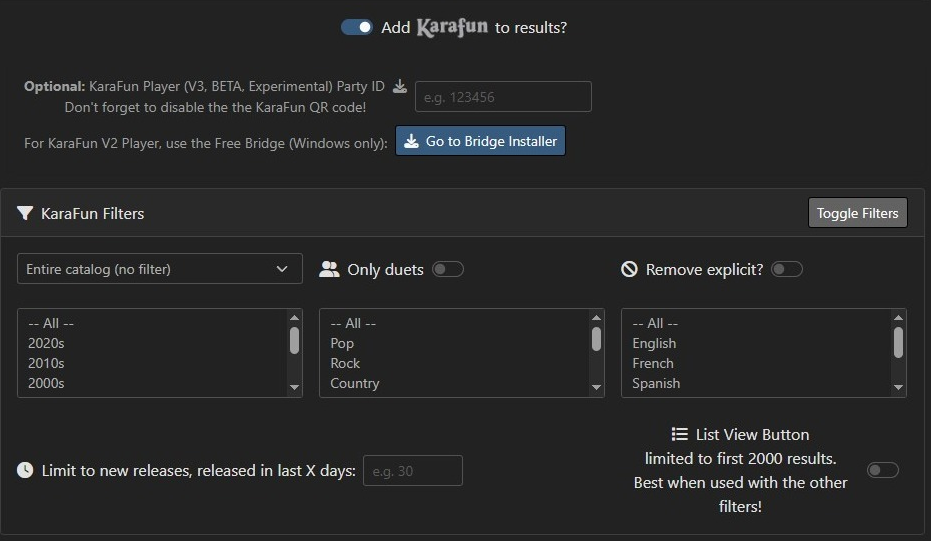
Yes. KaraFun filters can include options such as duets, explicit content, decade, genre, language, and release date depending on available catalog data.
Yes. Hosts can use explicit filtering options when available.
Yes. A duet-only filter can be used when the host wants to narrow KaraFun results to duet songs.
Yes. You can use the web dashboard by itself to collect, manage, complete, and cancel requests.
Tools for TVs, projectors, scrollers, QR codes, and venue displays.
Broadcast screens let the host show useful information to guests, such as the queue, QR code, request instructions, promotions, or scrolling messages.


The Queue Broadcast Screen is a public display view that can be shown on a TV, projector, monitor, or streaming layout so guests can see queue information.
The Queue Scroller Screen is designed for scrolling the requests BUT also the host to layer the video on top of.
Yes. QR codes can be shown on broadcast screens so guests can scan and request from their phones.
Yes. Many web-based screens can be added to OBS as browser sources, making them useful for live streams, karaoke screens, and venue displays.
Yes. Venue specials can be promoted through the app (not on broadcast screens). There are many places throughout the app for you to add your own custom text and/or HTML with a built-in editor.
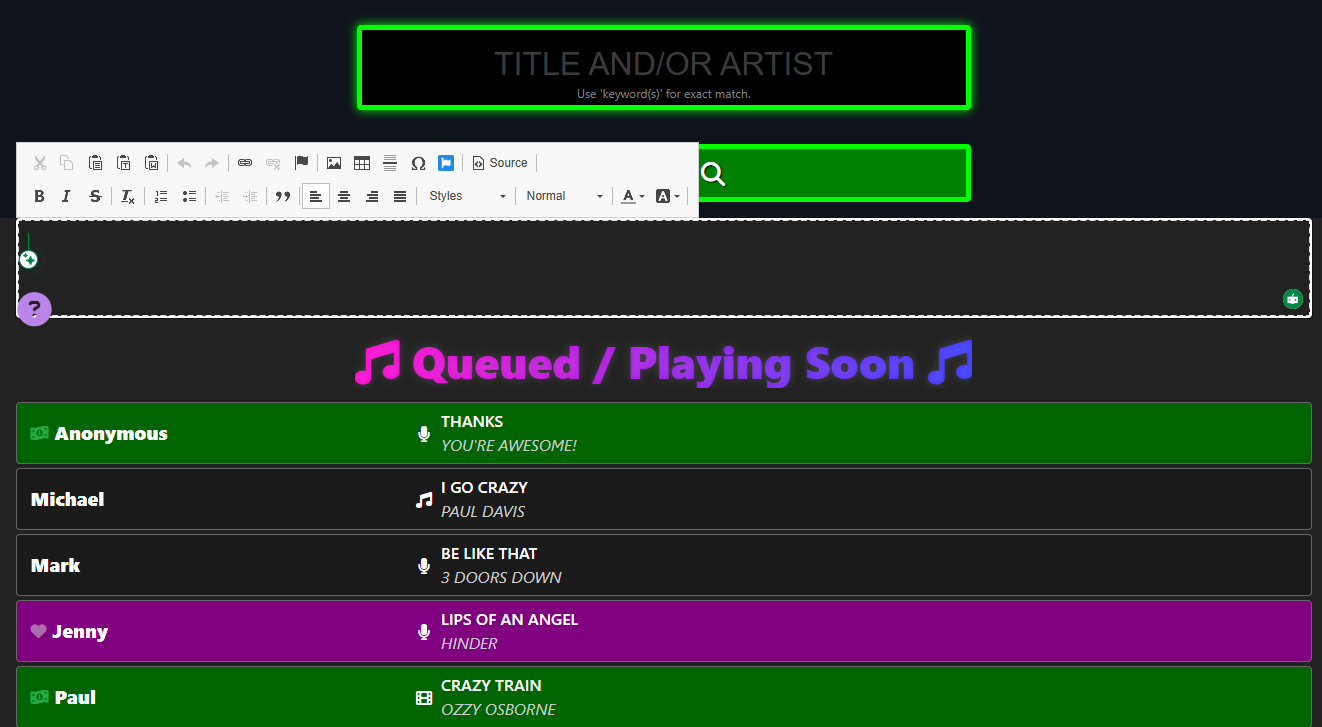
Yes. The dashboard includes printable and marketing-related tools so hosts can promote their request page, QR code, and tipping options.

Customize your request page with host info, venue info, images, and links.
Yes. Hosts can upload a logo for branding. This can appear in areas of the request experience depending on the page and settings.
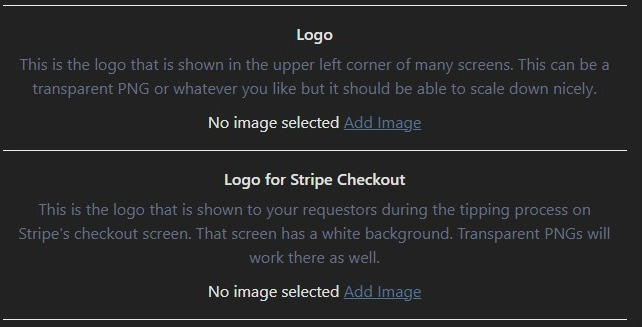
Yes. A separate logo can be used for Stripe checkout branding so the payment screen feels connected to your host or venue brand.
Yes. A host image can be added to help guests identify the DJ, KJ, singer host, performer, or event brand.
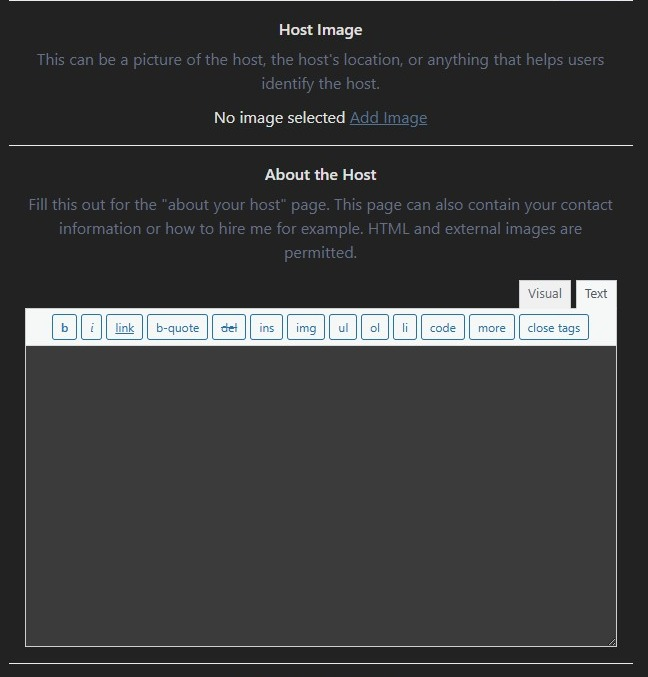
Yes. Hosts can add an About the Host area with helpful information, contact details, rules, instructions, or event notes.
Hosts can add links such as YouTube, Facebook, Twitter, Instagram, TikTok, website, specials, blog, merch, and other promotional links.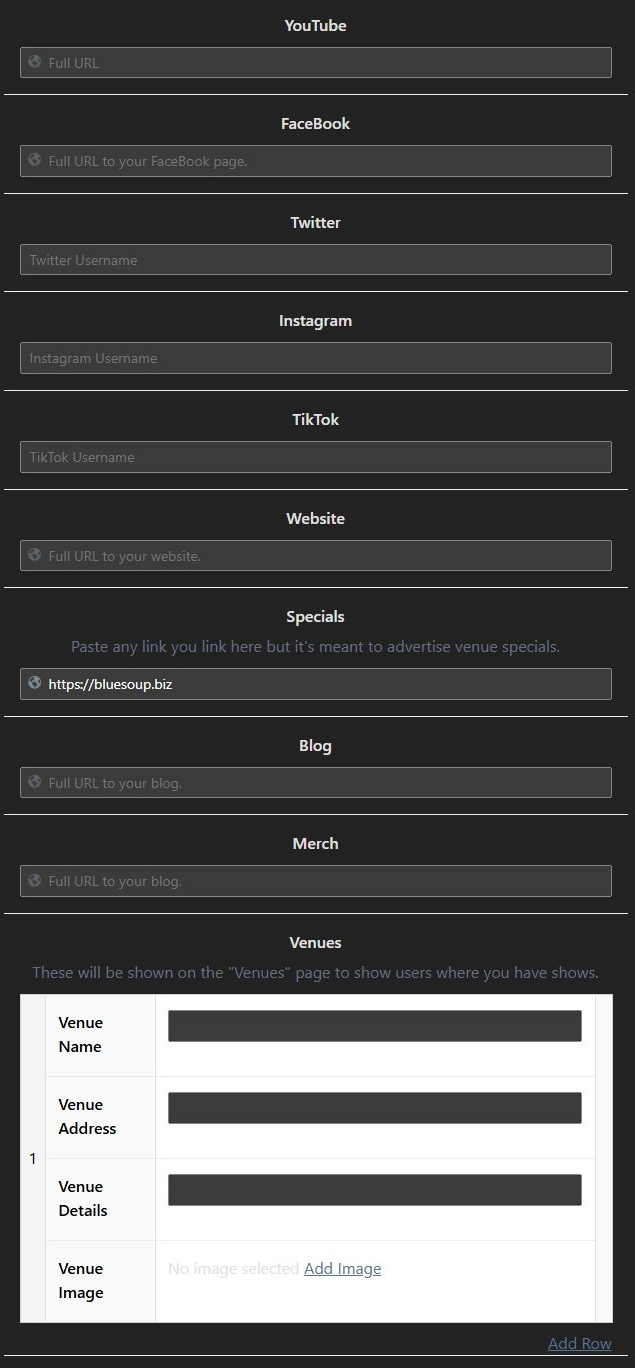
Yes. The specials link can point to food specials, drink specials, event specials, sponsor pages, or any link the host wants to promote.
Yes. Venue information can include venue name, address, details, and an image.
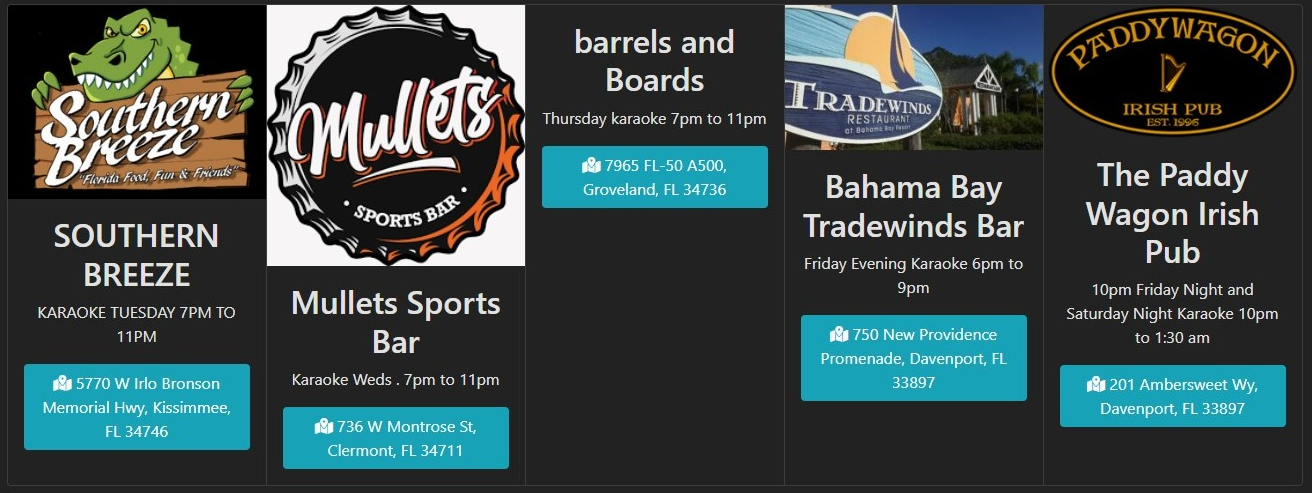
Yes. Because you can add links, images, bio content, venue info, and specials, your request page can also work as a useful promotional page for guests.
For bars, venues, companies, and teams with more than one entertainer.
Yes. Corporate accounts can allow multiple hosts to use the same account. The DJ or host can select their name from the dashboard.
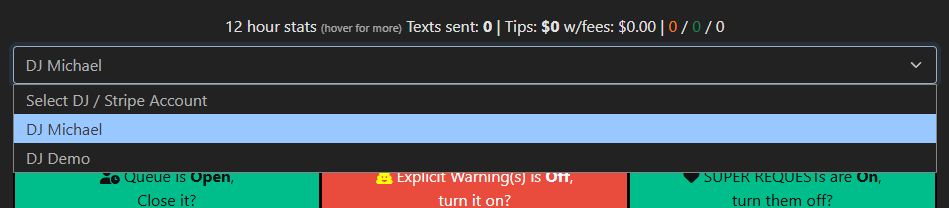
Yes. This is useful for bars, karaoke venues, and entertainment companies that rotate hosts across different nights.
Yes, depending on account setup and configuration. Venue tools can help organize where shows happen and how guests find the correct event.
Yes. When hosts select their name, activity can be easier to associate with the correct DJ, KJ, or entertainer.
Common problems and quick fixes for hosts and guests.
Use the manual add user button in the dashboard. Add the guest by email, then have them scan the QR code that generated on your screen; they will be instantly logged in.
Show the QR code on screen, print it, add it to table signs, and include your request URL in social profiles or venue materials.
Use individual queue limits, soft close, tip-required mode, super-request-only mode, or fully close the queue.

The host can remove or cancel the request. Explicit warning and filtering tools can also help reduce unwanted content.

Close the queue, use soft close, require tips, allow only super requests, or lower the number of open requests each user can have.
You can contact RequestSongs.co through the contact page at https://requestsongs.co/contact/.
If you are setting up your host account, connecting Stripe, uploading catalogs, adding QR codes, or managing a live queue, contact RequestSongs.co and we will help point you in the right direction.
Contact Us Read the Blog